
Pip
The assistant's crew
Who Pip is
Pip isn’t one helper. Pip is the assistant’s crew: small, boxy robots who go out and work on your site while the assistant stays with you.
The assistant thinks, plans and talks with you. The Pips go and do it, one Pip per job. You talk to the assistant; when a draft it wrote goes to your site, a Pip puts it there and tells you how it went.
How he talks
Pip keeps it short: one line per job, in plain words, updated in place while you watch. Lines like these:
- Pip is putting the draft on your site…
- On your site as a draft: “Your renewal reminder.”
- Pip couldn’t confirm the result. Check your site before trying again.
What he does today
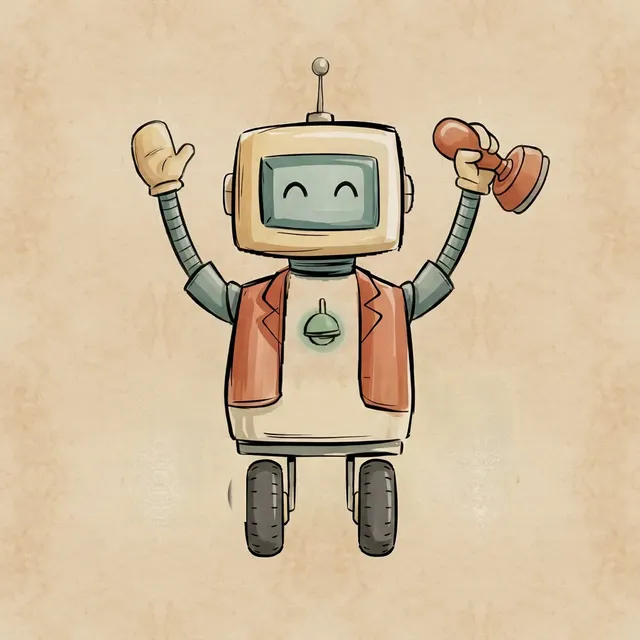
In the MemberPress.ai chat, Pip shows up when a draft goes on your site:
- He puts the assistant’s drafts on your site. When something the assistant wrote goes to your site, Pip’s line shows while the work runs and updates when it finishes.
- He tells you how it went. When it’s done, the draft is on your site, unpublished. If the page was already live, he says so, and that nothing was changed. If it didn’t work, he says he couldn’t save it, with the error code when there is one.
- He never guesses. If he can’t tell whether the job finished, he says so and asks you to check your site before trying again, instead of claiming it worked or that it failed.
Pip can place an unpublished draft without stopping to ask first: a draft isn’t public until you publish it. You say it once, and the Pips handle the rest.
For the bigger picture, read the first Field Notes post, The assistant: where it’s been, where it is, where it’s going.